743_V2 Flight Controller Bluetooth Tuning Guide
This 743_V2 Bluetooth tuning guide applies to PX4/APM firmware flight controllers connecting to QGroundControl, and BF firmware flight controllers connecting to Betaflight.
Open Device Manager.
Turn on system Bluetooth, find the CORVON743V2 device, and connect to it. After the connection succeeds, the corresponding serial port will appear in Device Manager. Note the port number.
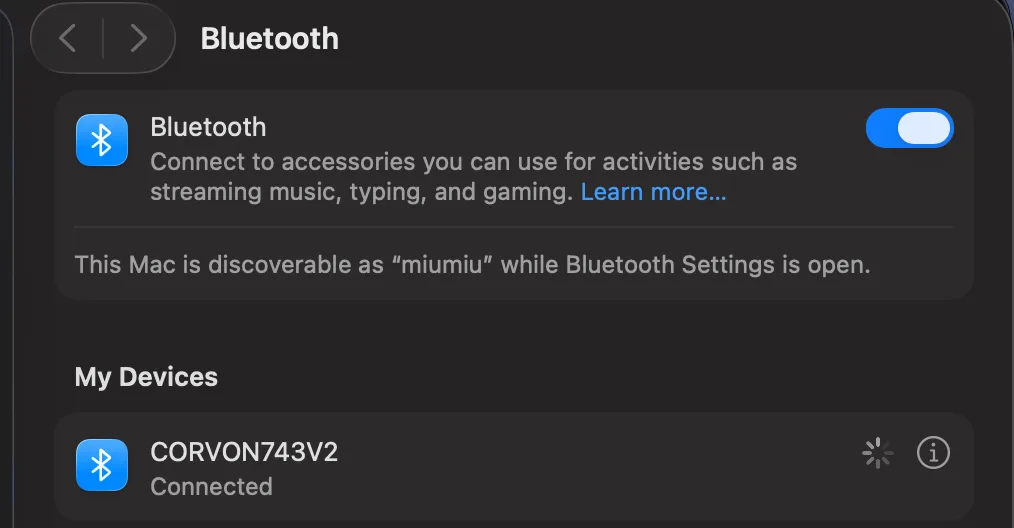
If no Bluetooth peripheral appears under the computer serial ports, clear or remove the old device from Bluetooth “My Devices” first, then reconnect.
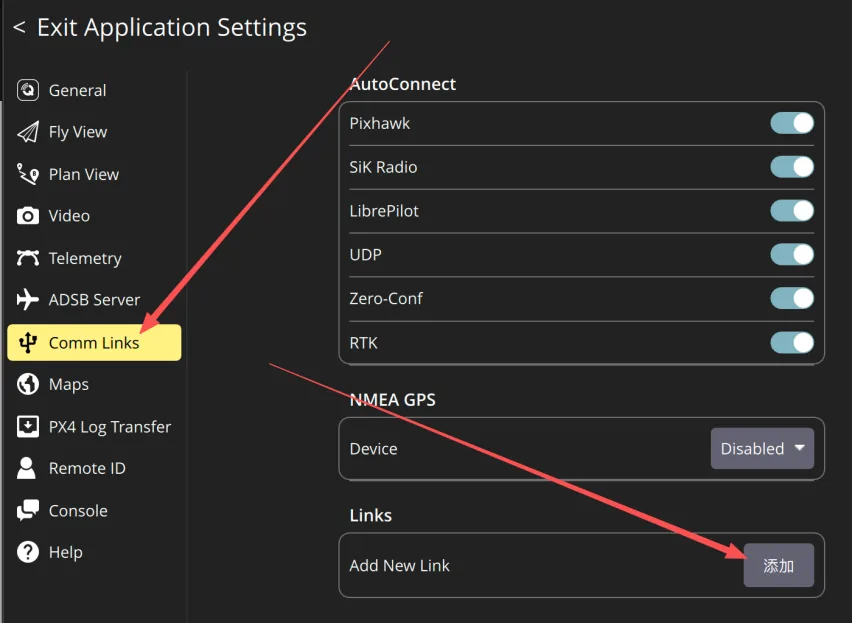
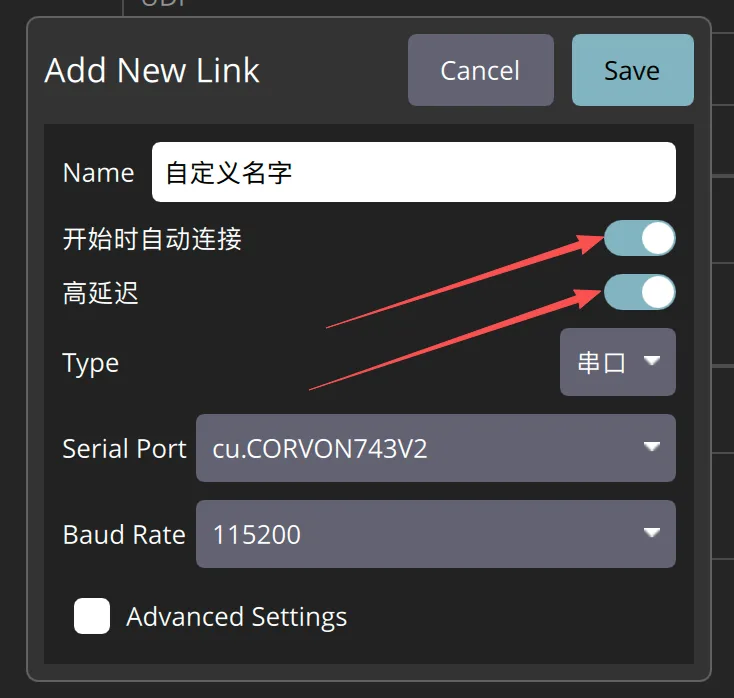
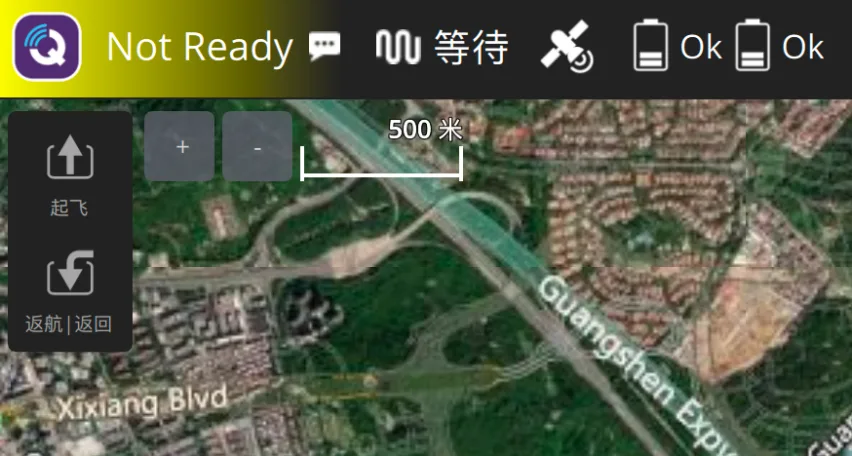
Open the QGroundControl ground station, go to Comm Links, and add a connection. Select the Bluetooth serial port shown in Device Manager and set the baud rate to 115200 to enter the ground station.
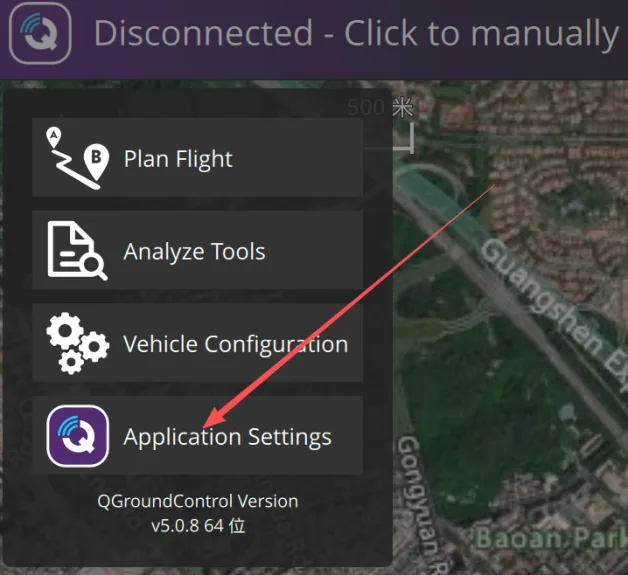
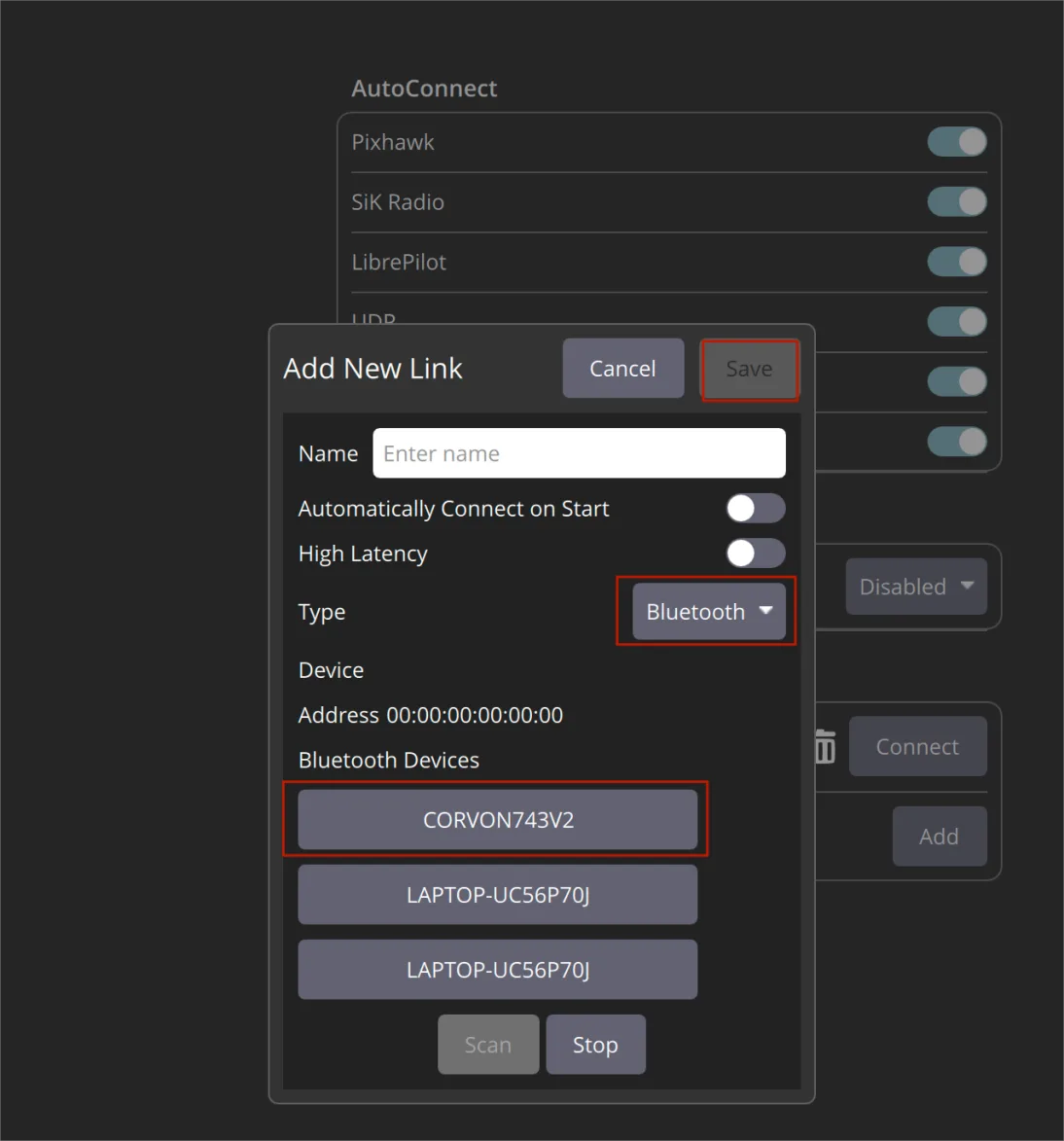
Method 2: In QGroundControl, scan for Bluetooth directly, select CORVON743V2, save it, and connect.
BF Ground Station
Open or search for https://app.betaflight.com/ in your browser.
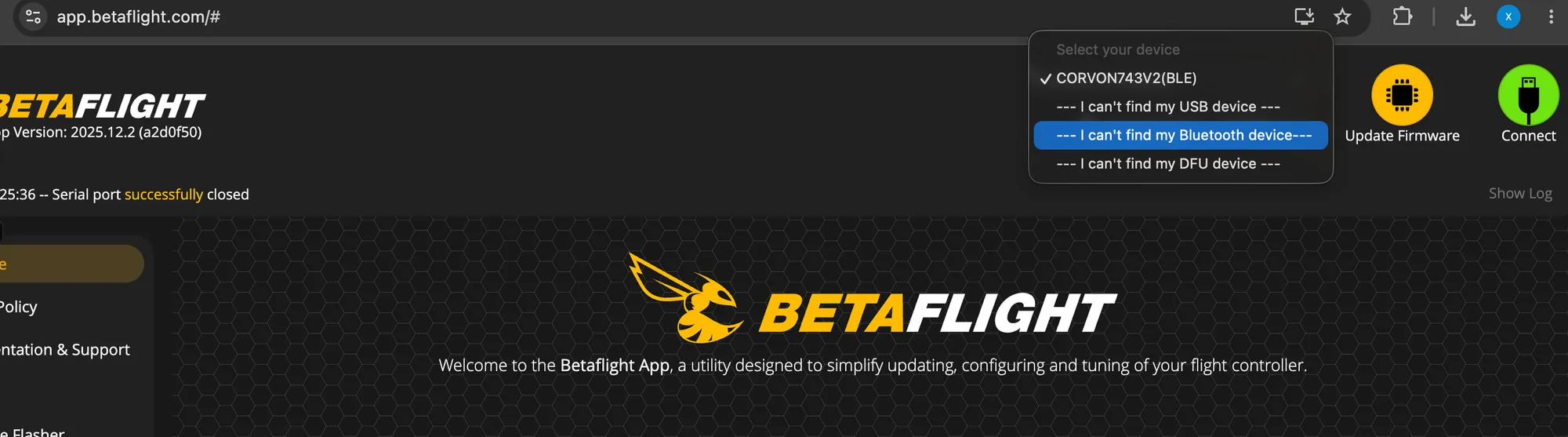
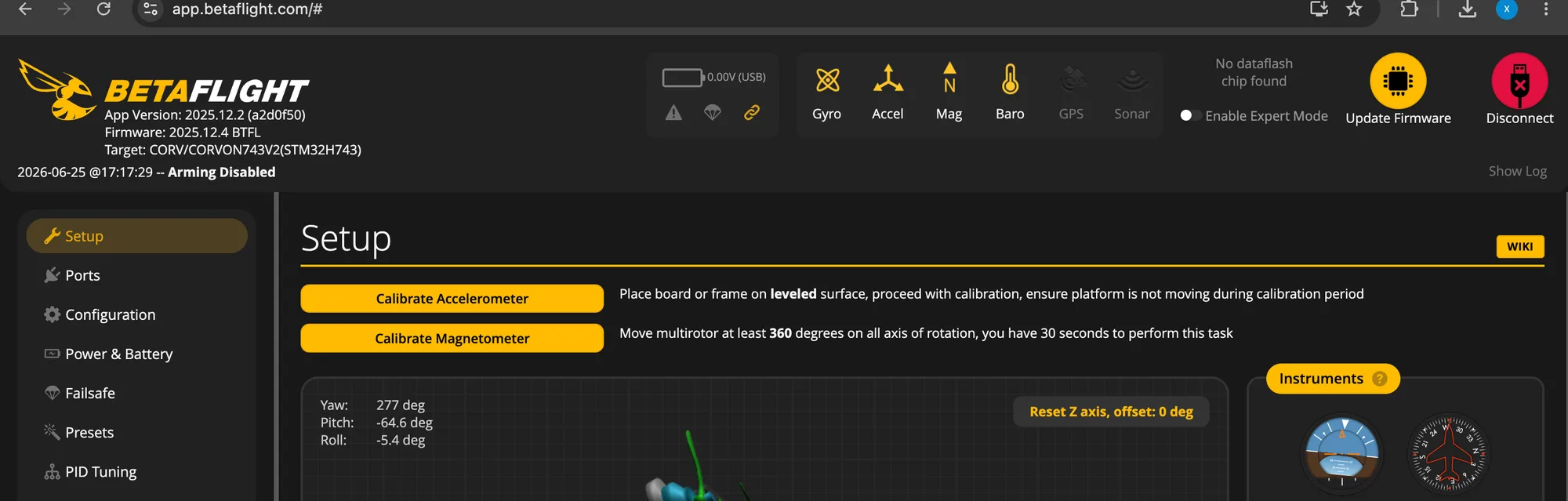
After opening the BF ground station, power on the flight controller with BF firmware. Click “I can't find my Bluetooth device,” pair CORVON743V2 (BLE), and connect to enter the ground station.