Hardware utilities,in the browser.
No desktop app or account required. Tools that connect to hardware over USB need a desktop Chromium browser such as Chrome or Edge. The heading calculator works offline; RID updates use the module’s WiFi page.

Flash any CORVON controller.
From the browser.
Connect the flight controller over WebUSB, then choose online firmware or a local file. On Windows, you may need to install a Zadig driver as shown in the tool.
Switch ToF protocols.
Live, in the browser.
Web Serial. Switch the output protocol (APM, PX4, I2C, MSP, MODBUS), set orientation, and save. Live distance and CRC readout, no install.
For the CV50, CV0850, and CV08 ranging modules.


Dual-antenna heading.
Without guessing offsets.
Enter where the two antennas sit on the airframe. It checks the baseline geometry and writes out the ArduPilot or PX4 parameters, ready to paste.
For the RTK-12 moving-baseline kit. Pure computation, so nothing needs plugging in and it works offline.
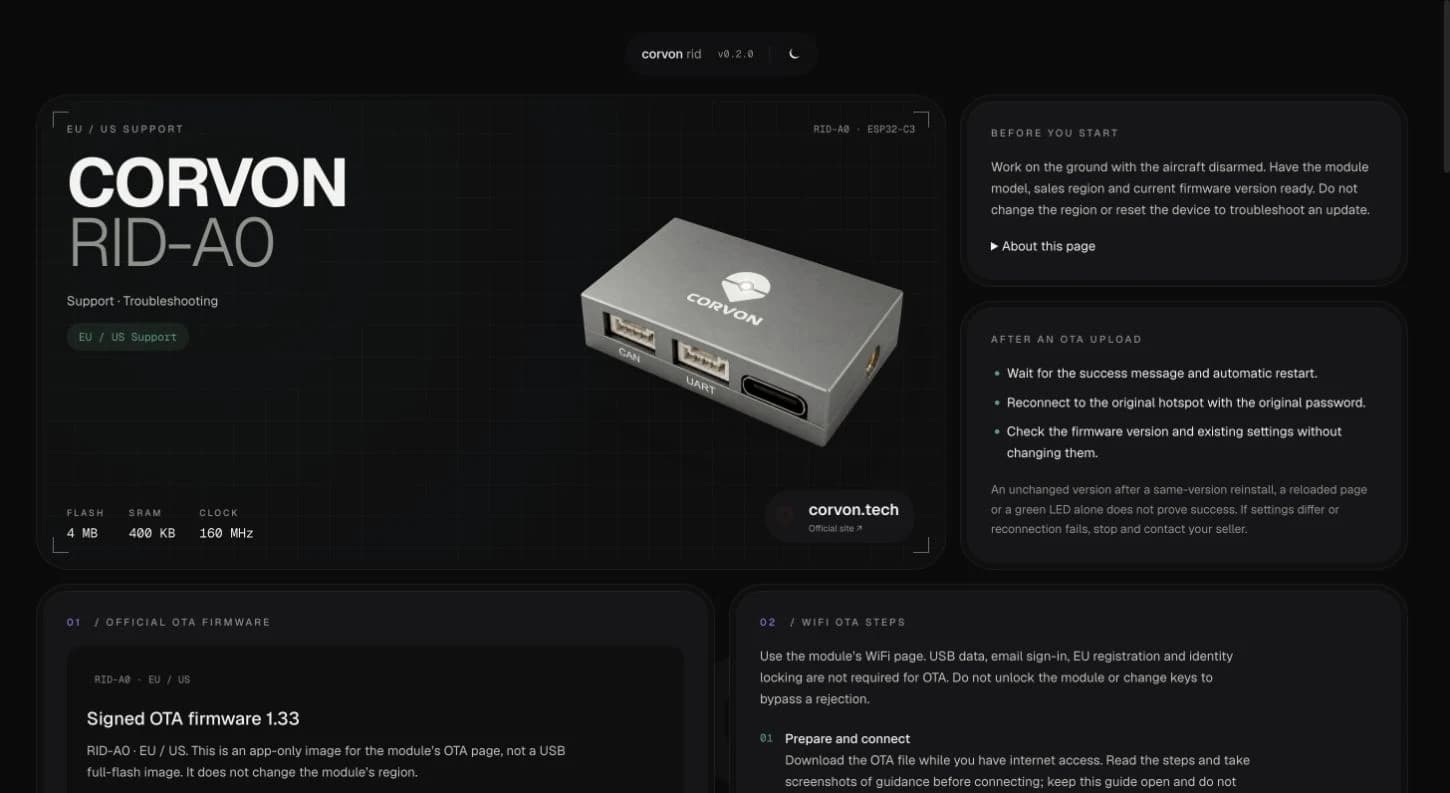
RID-A0 support.
WiFi updates and troubleshooting.
Firmware downloads, WiFi OTA steps, troubleshooting, and instructions for entering an existing EU registration number. For RID-A0 EU/US modules; check the supported hardware and firmware versions on the support page.
Wiring references and pinouts live in our spec sheets; step-by-step setup, tuning, and flashing in our user guides. Having trouble with a tool? tech@corvon.tech →